Posted on : 08-10-2010 | By : admin | In : VerseVIEW 4.5
0
- Build on the solid features from VerseVIEW 4.0
- Remote VerseVIEW – Control VerseVIEW remotely from iPhone, Blackberry and other Wifi enabled devices
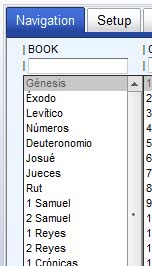
- Bible book names in the language of the primary translation
- Fade in/out transition
- Maximum Font size setting
Download VerseVIEW
iPhone snapshot copyright: Apple Inc.
Posted on : 08-10-2010 | By : admin | In : VerseVIEW 4.5
0
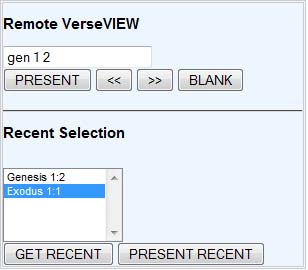
Remote VerseVIEW enables one to control VerseVIEW application via any WIFI enabled device, including iPhone, Blackberry and other computers on the network.
To use Remote VerseVIEW, setup the computer running VerseVIEW on a local network.This can be down with a WIFI router. Make sure the remote device such as an iPhone is connected to that router. (This can be local network. There is no need to be on the Internet.)
Remote VerseVIEW has to be enabled from the computer running VerseVIEW. Select one of the IP address and select the port number and click “Enable Remote VerseVIEW”. Port number ranges from 49152 to 65535.
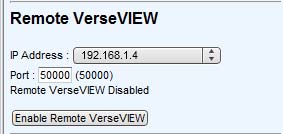
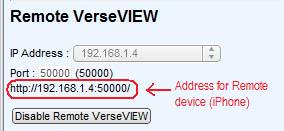
Open the web browser on the remote device such as iPhone and type in the network address as shown in the VerseVIEW software.
Posted on : 08-10-2010 | By : admin | In : VerseVIEW 4.5
0
VerseVIEW 4.5 Released!!
Features include Remote VerseVIEW, Transition, Bible book names in different language…
Download VerseVIEW 4.5
Posted on : 02-10-2010 | By : admin | In : Translations
0
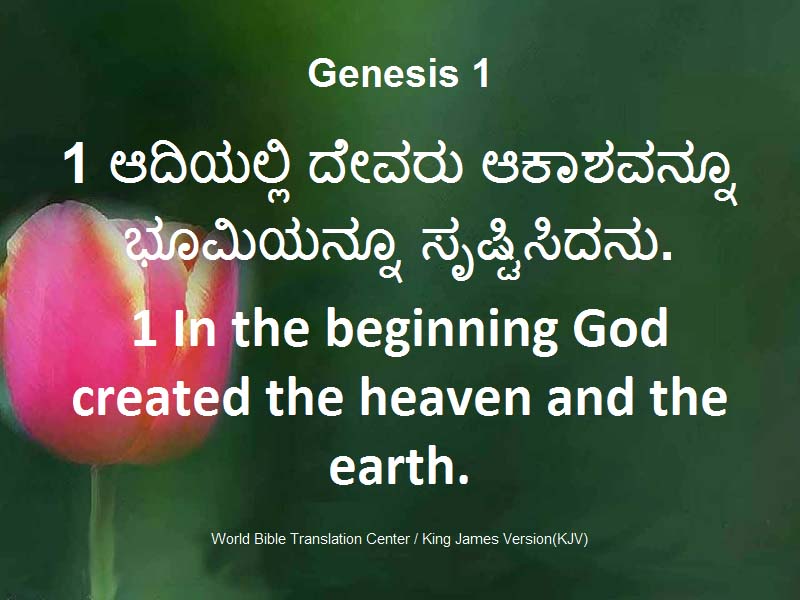
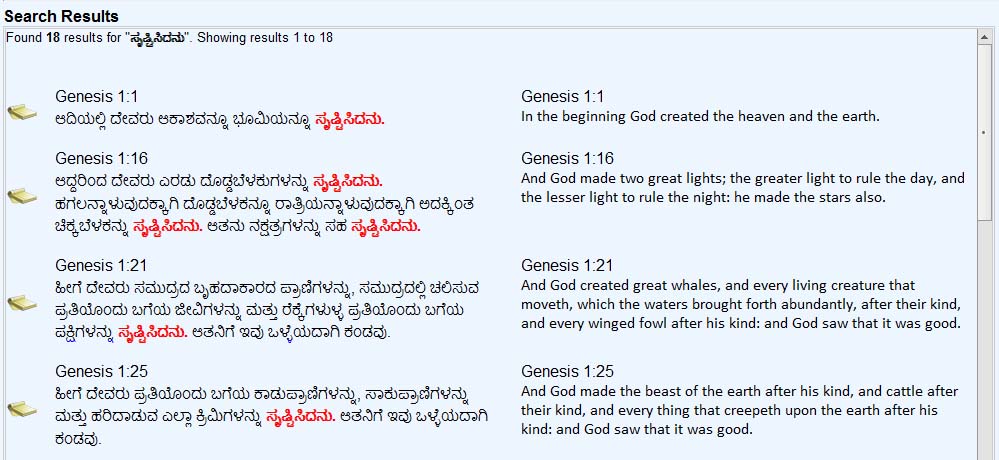
Kannada Bible translation from World Bible Translation Center (WBTC) has been added to VerseVIEW. It also contains word/phrase search database.
Download Kannada Bible (WBTC) for VerseVIEW
Download Kannada Bible Search Database

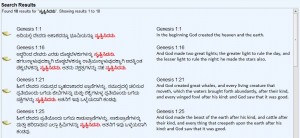
Kannada Bible Text: Copyright permission obtained from World Bible Translation Center
Posted on : 24-09-2010 | By : admin | In : Uncategorized
2
There is a minor bug that does not change the font for Hindi.
After you install the Hindi translation, please go to the Setup tab.
Click MANAGE button.
Select HINDI translation
Select the font to JC_Hindi
Click SAVE.
Hindi should show up correctly now. Please email verseview@yahoo.com if you are still having issues with Hindi font.